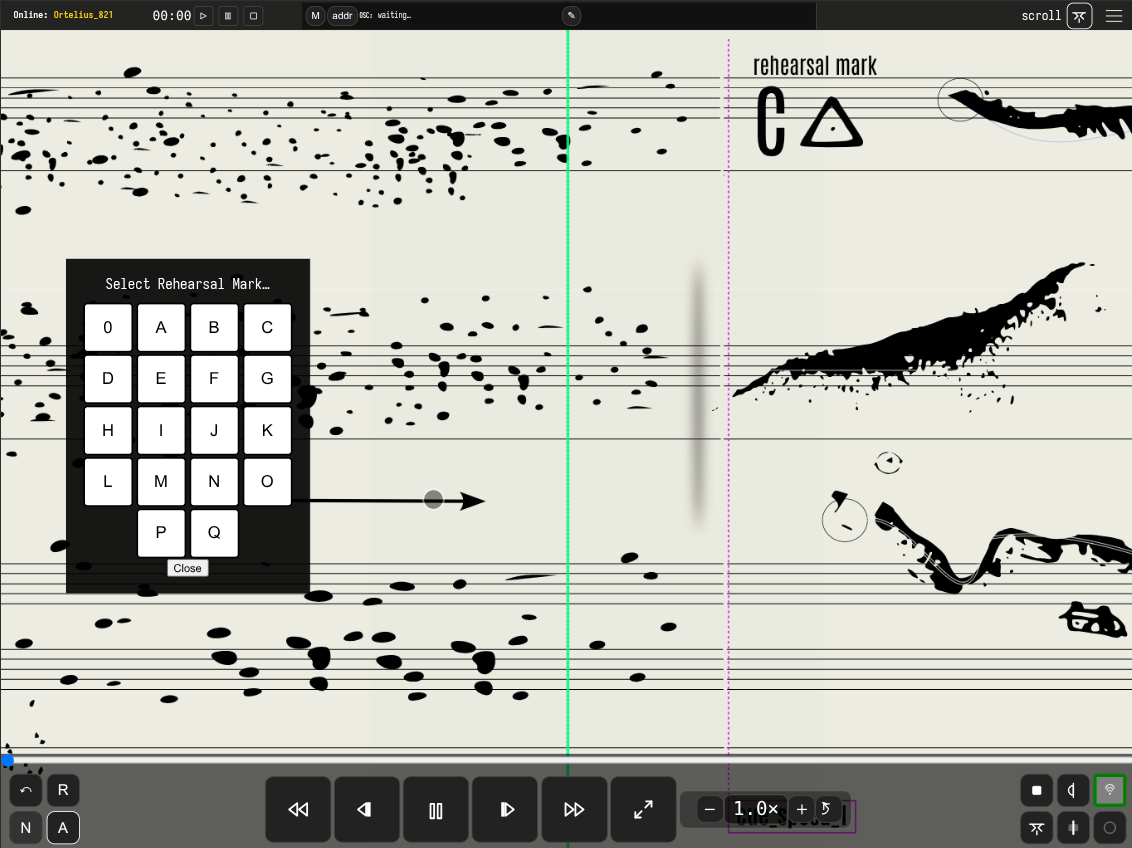
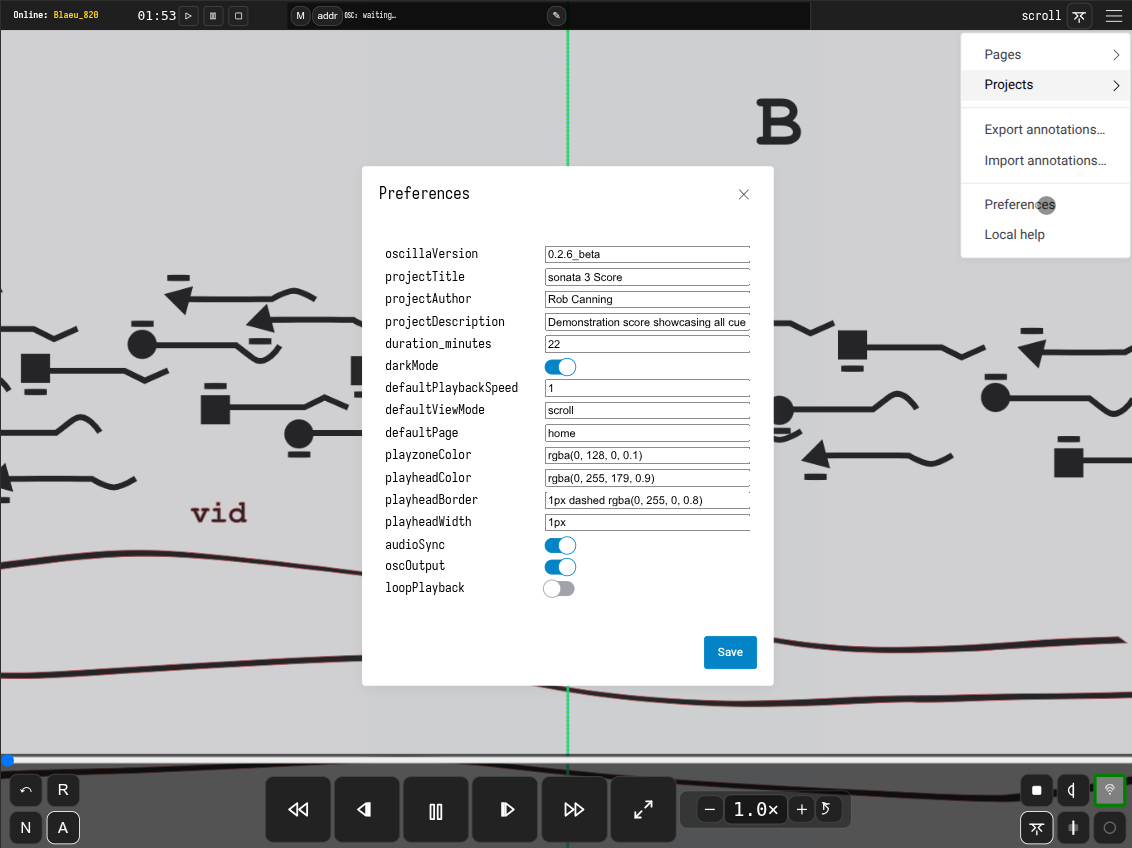
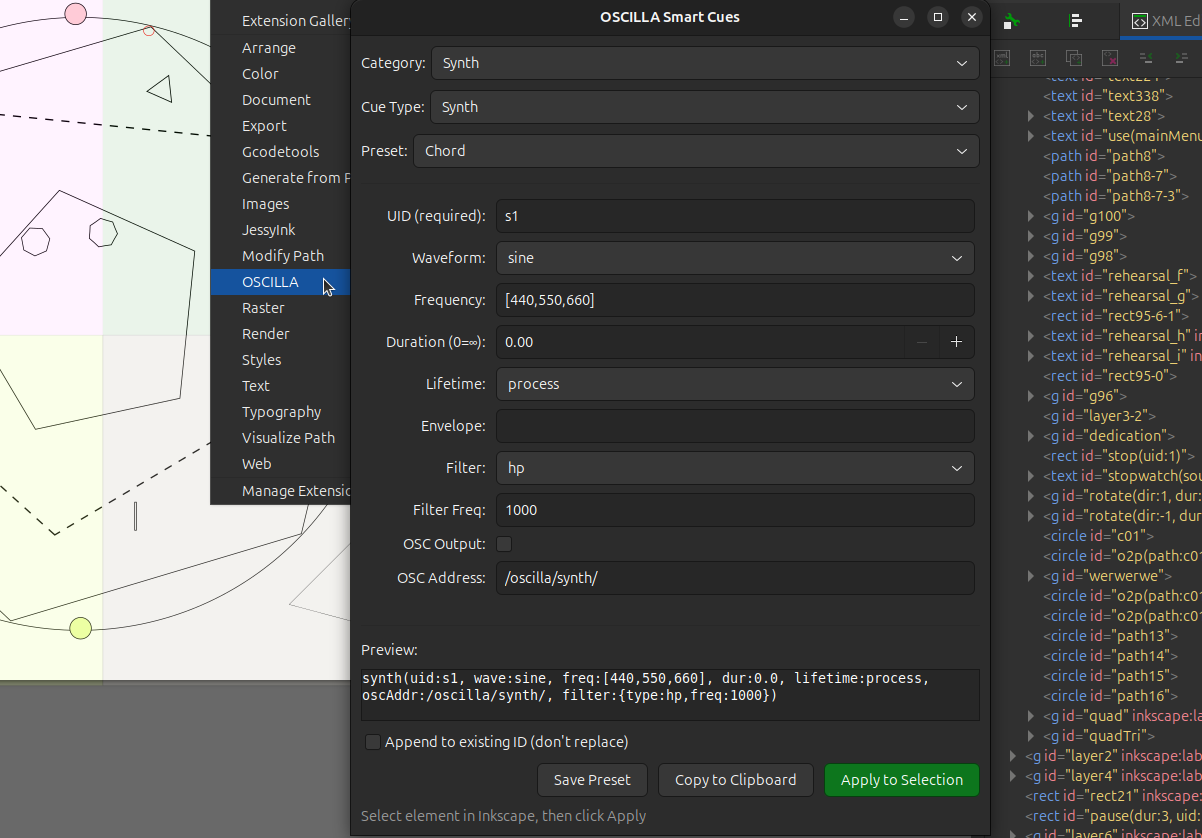
Oscilla Preferences GUI and "Hamburger" Dropdown Menu
Oscilla Interface and Preferences GUI
oscilla-timers-fullscreen.png
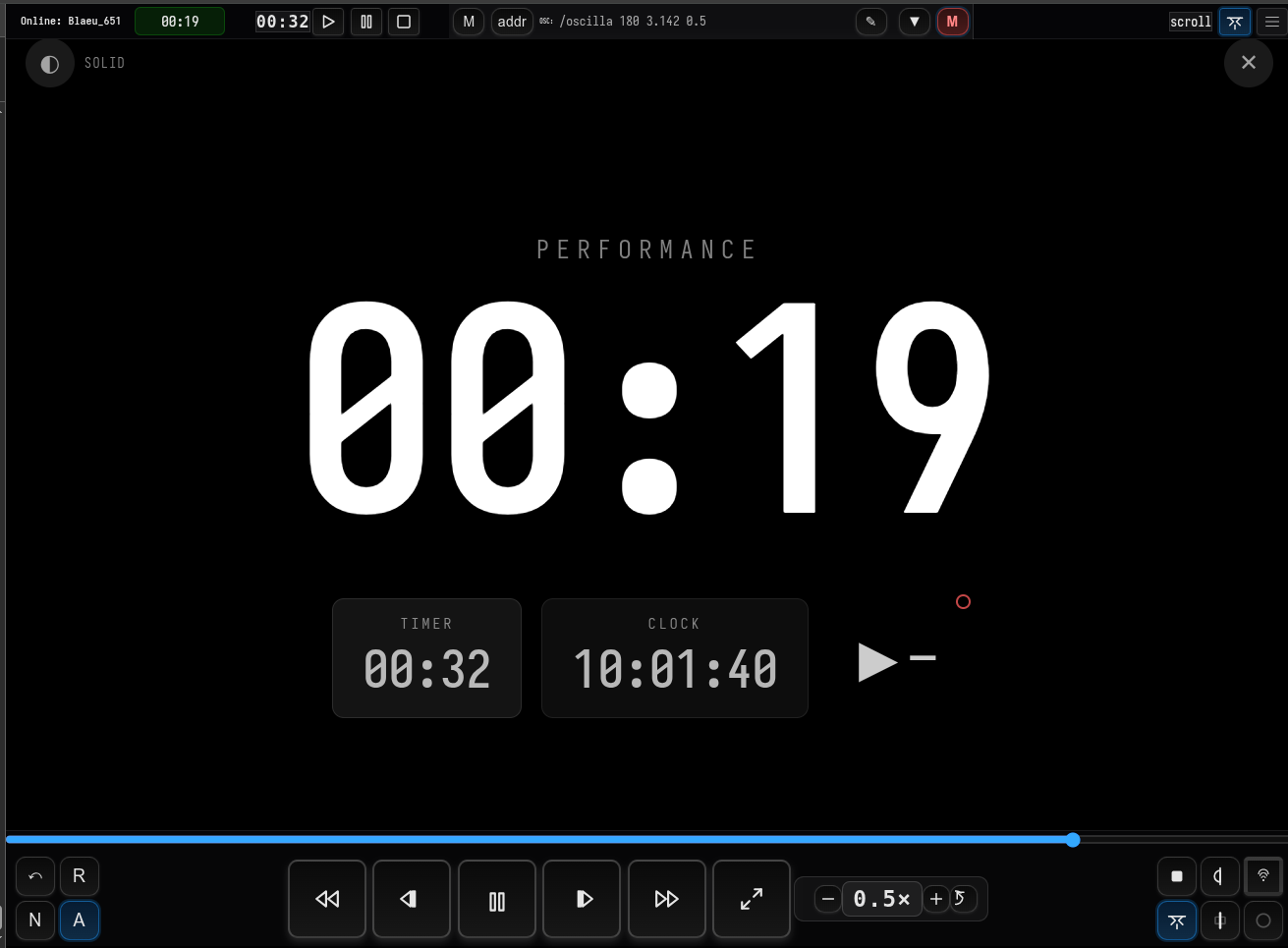
Oscilla Networked Stopwatch and Performance Timers
Oscilla's fullscreen timer interface with synchronized countdown sequences that function as a compositional framework for time-based structures. The sequencer enables composers to define named sections with specific durations, looping, and chaining—creating everything from structured improvisations to durational scores. Multiple display modes (solid, blur, transparent) allow the timer to overlay directly onto minimal cue scores or stand alone as the primary temporal reference for networked ensemble performances.
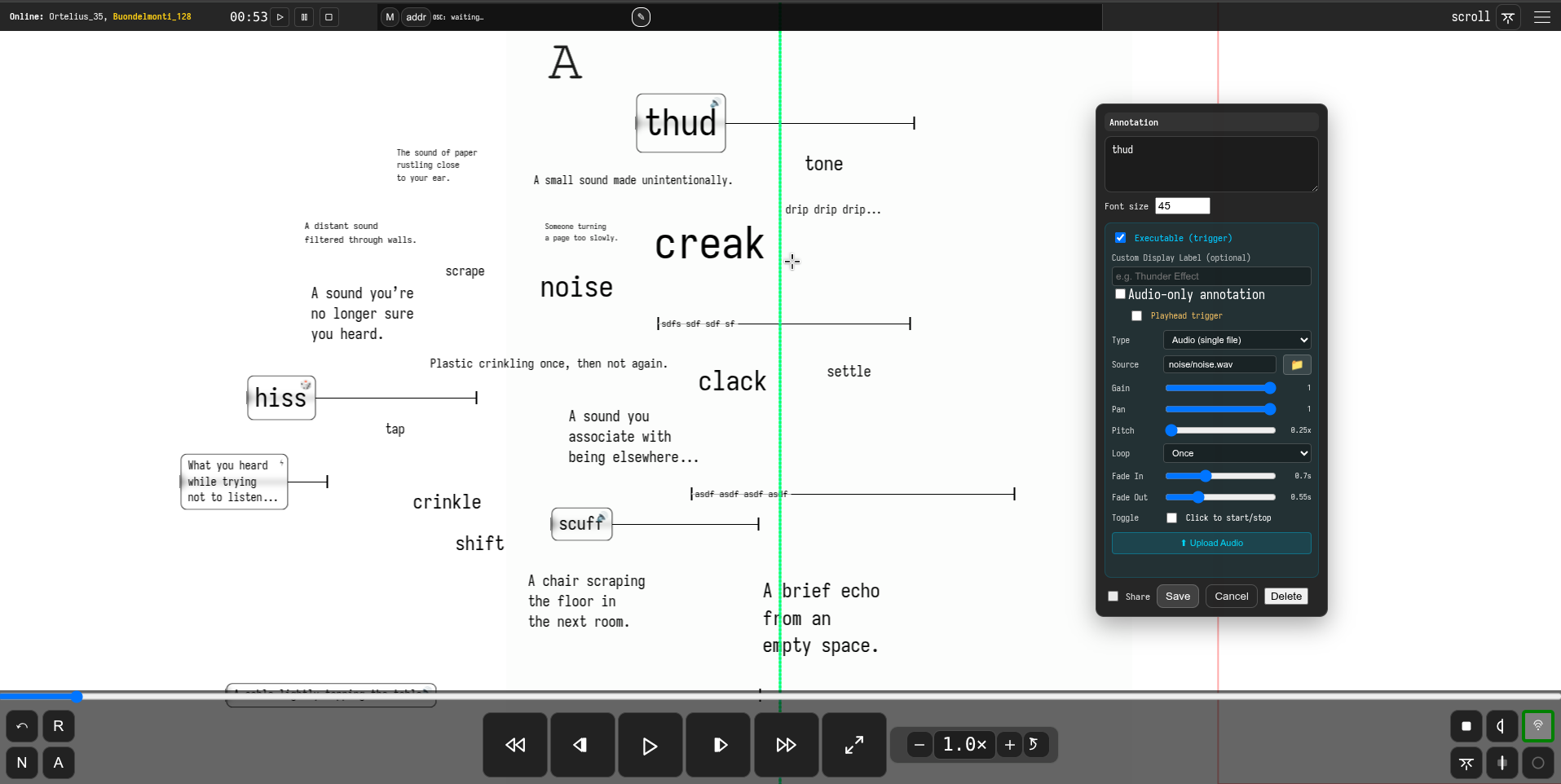
Oscilla "Contribution Surface"
The Contribution Surface provides a shared, executable workspace layered over the score, enabling performers to contribute text, sounds, and triggers during rehearsal or performance. These contributions can be moved, edited, and synchronised across the network, supporting collaborative, negotiated, and evolving score practices.
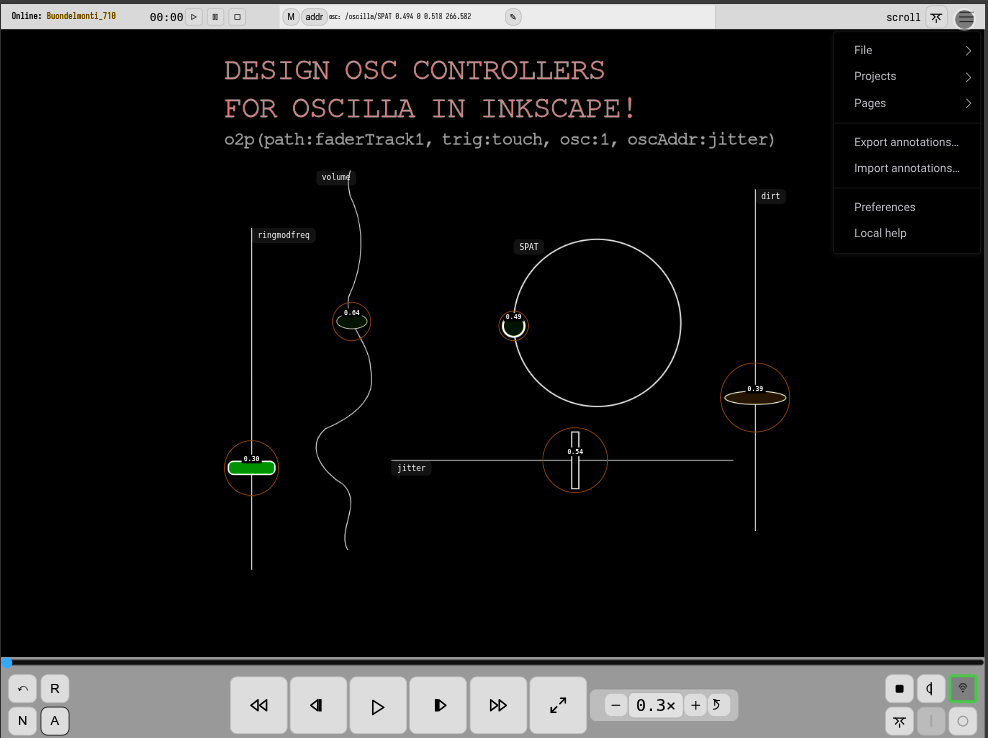
Oscilla OSC controller design in Inkscape
An SVG-based OSC fader controller created in Inkscape. The orange ring indicates touch mode (trig:touch) is active, allowing the object to be dragged along the path. The value label displays the current position (0.00–1.00) in real-time.
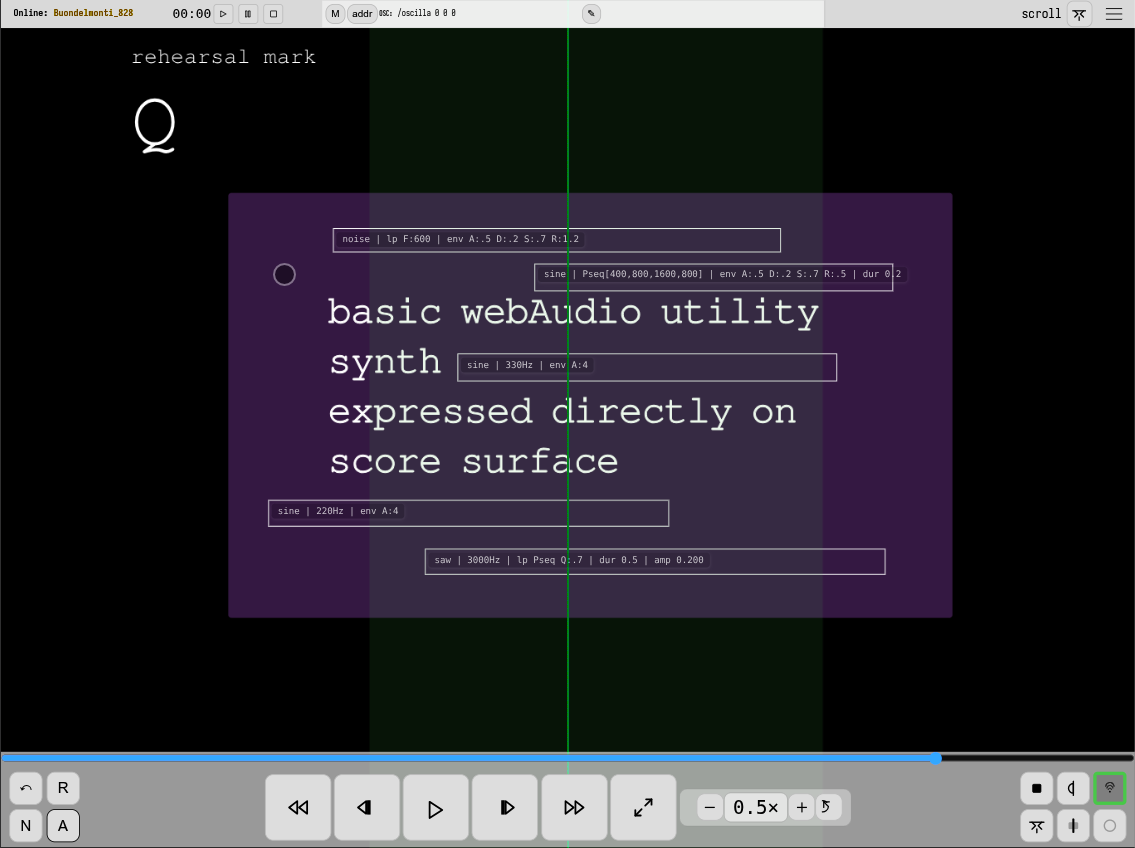
Oscilla "Native WebAudio Utility Synth"
Oscilla includes a lightweight, native WebAudio synthesiser intended for simple but musically useful electronic functions within the score environment. Rather than aiming to replace external audio systems, this built-in synth supports focused tasks such as drones, pitch references, sustained tones, and minimalist electronic layers that can be tightly integrated with notational timing and interaction.
For more complex electroacoustic composition and improvisation setups, OSC remains the primary and recommended approach, allowing Oscilla to interface with dedicated audio environments such as SuperCollider, Max, or Pure Data. The native synth instead occupies a complementary role: enabling self-contained electronics, quick prototyping, and works where a restrained, browser-native electroacoustic aesthetic is desirable.
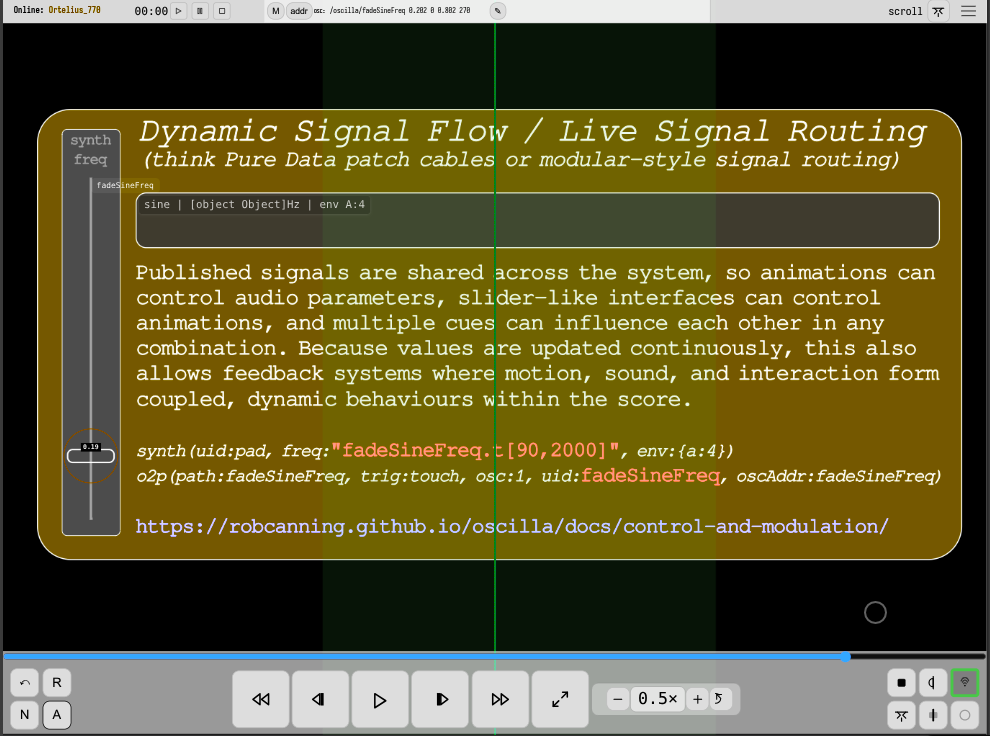
Oscilla Dynamic Signal Control and Modulation
Published signals are shared across the system, so animations can control audio parameters, slider-like interfaces can control animations, and multiple cues can influence each other in any combination. Because values are updated continuously, this also allows feedback systems where motion, sound, and interaction form coupled, dynamic behaviours within the score.
synth(uid:pad, freq:"fadeSineFreq.t[90,2000]", env:{a:4})
o2p(path:fadeSineFreq, trig:touch, osc:1, uid:fadeSineFreq, oscAddr:fadeSineFreq)